The fastest iPhone photo cleaner.
Pikondo is a free iPhone photo cleaner that works like Tinder for your camera roll. Swipe right to keep, left to delete. Duplicate detection included.







How it works.
Open your library
Launch Pikondo and grant access to Photos. Everything runs locally — nothing is uploaded.
Swipe to decide
Photos appear one by one. Swipe right to keep, left to delete. Duplicates are grouped automatically.
Watch storage grow back
Confirm your choices and photos move to Recently Deleted. Storage is freed immediately.
Cleanup, one swipe at a time.
See the current Pikondo experience from the iOS App Store.
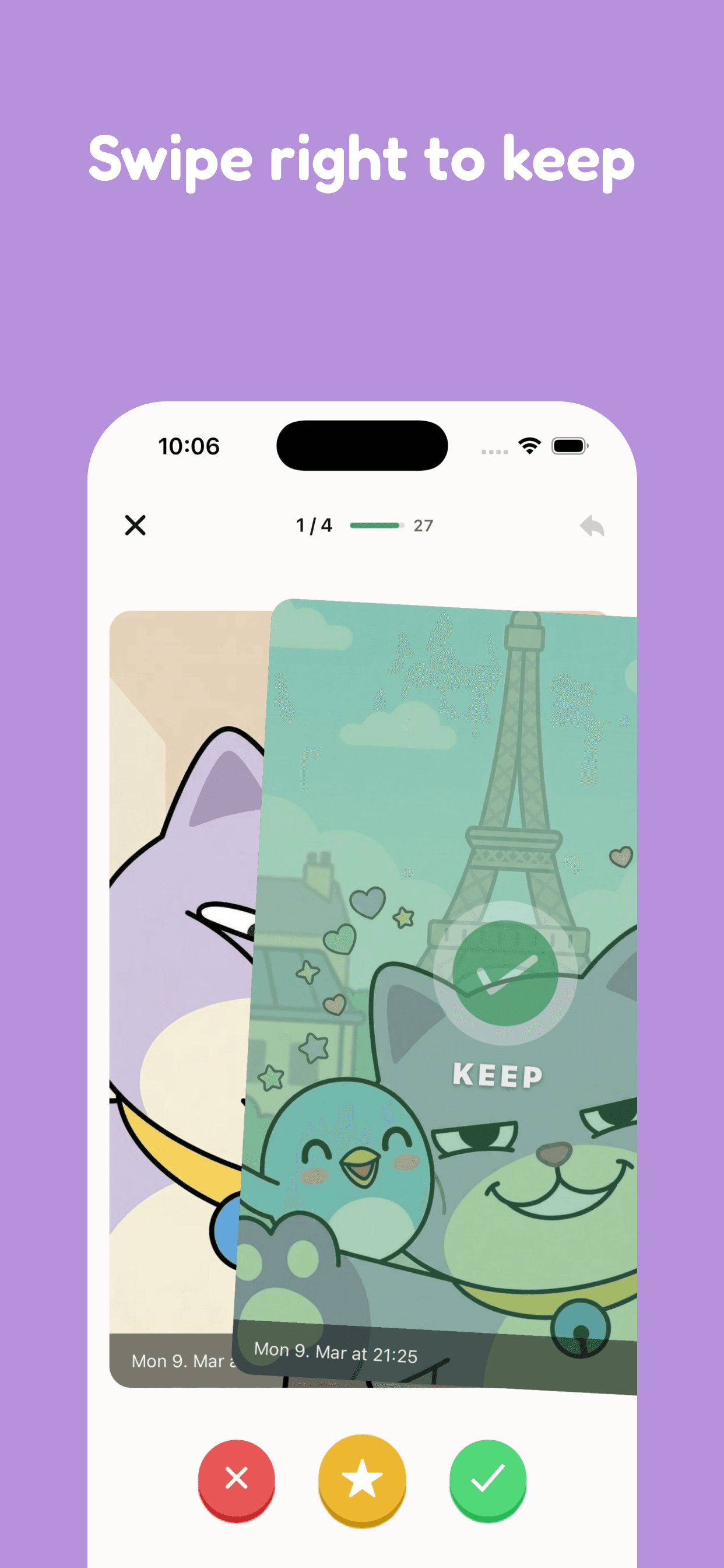
Swipe right to keep
Move through your library quickly and keep the photos that matter to you.
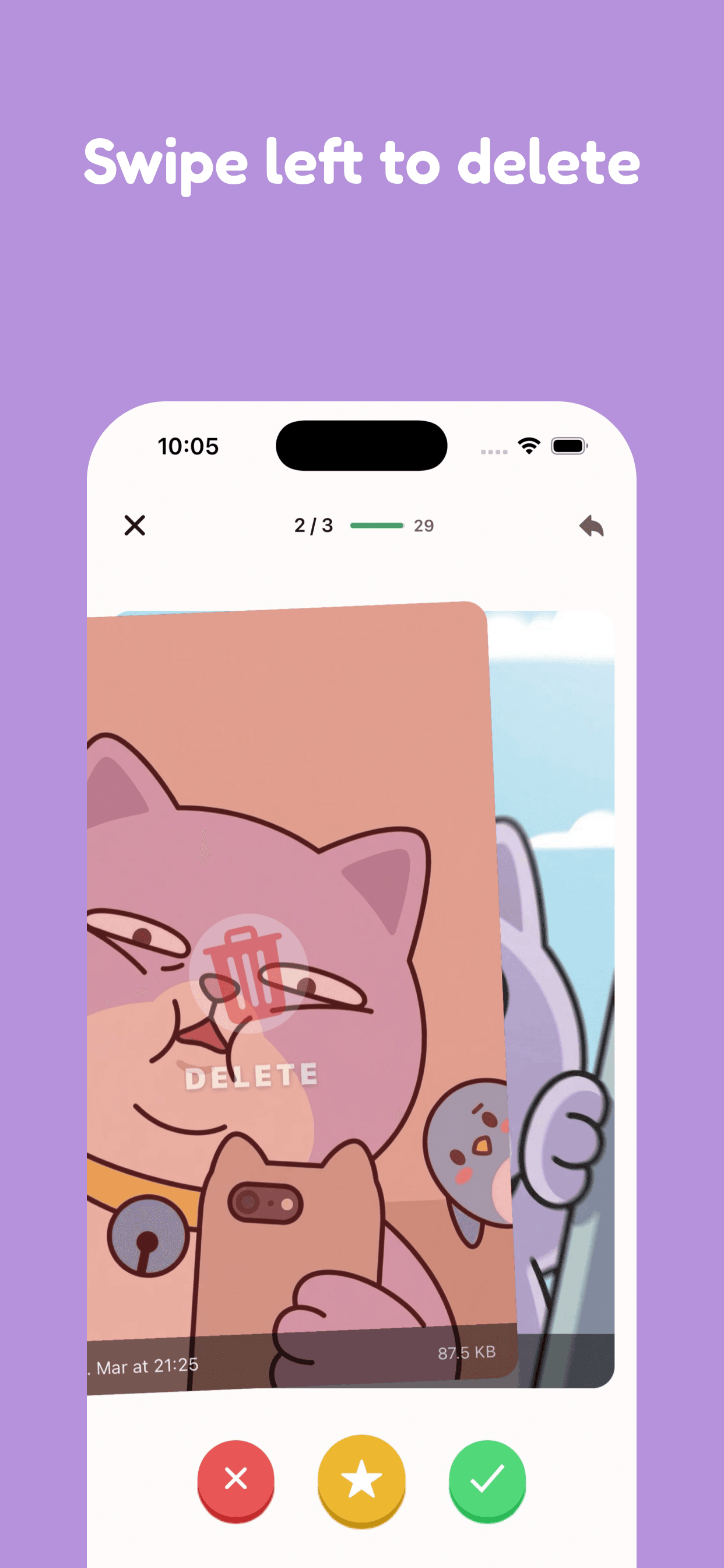
Swipe left to delete
Mark unwanted photos for deletion, then review your choices before you confirm them.
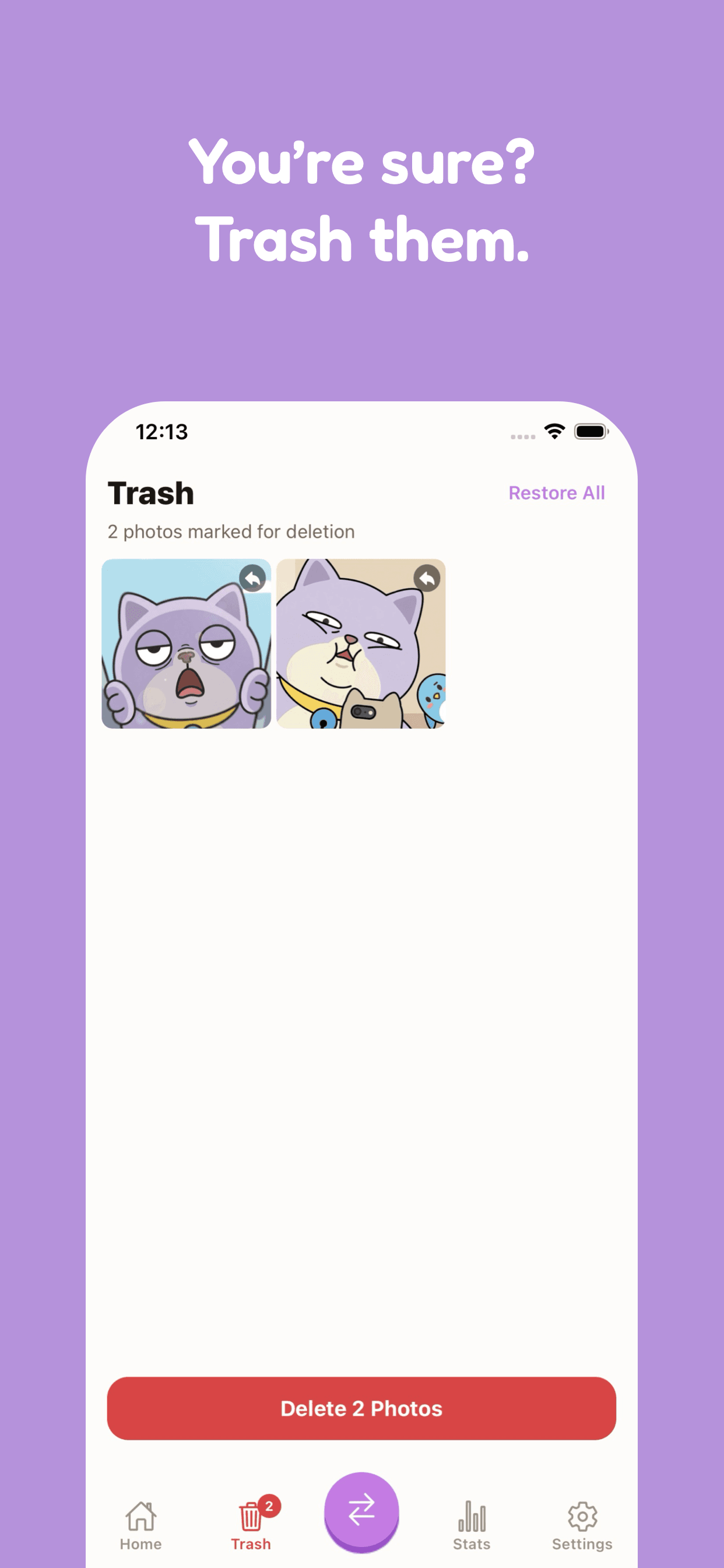
Review before you delete
Check the photos you marked for deletion, then confirm the choices you want to make.
What people say.
“Cleaned up 4 years of photos in one afternoon. Found hundreds of duplicates I'd forgotten about and freed up 8 GB.”
“Finally got rid of all those 5-screenshot-in-a-row moments. The swipe mechanic makes it actually enjoyable.”
“My phone was always showing Storage Full. After one session I freed up 12 GB. Should come pre-installed on every iPhone.”
Ready to clean up?
Free to download. No account needed. Works entirely on your device.